For contractors
Agree the design before you quote.
Photograph the kitchen, bathroom or exterior on the site visit and show the client two or three options on their own home. Settle the direction early, so your quote is for what they actually want.
Design for a client
2 free designs · No account · No credit card
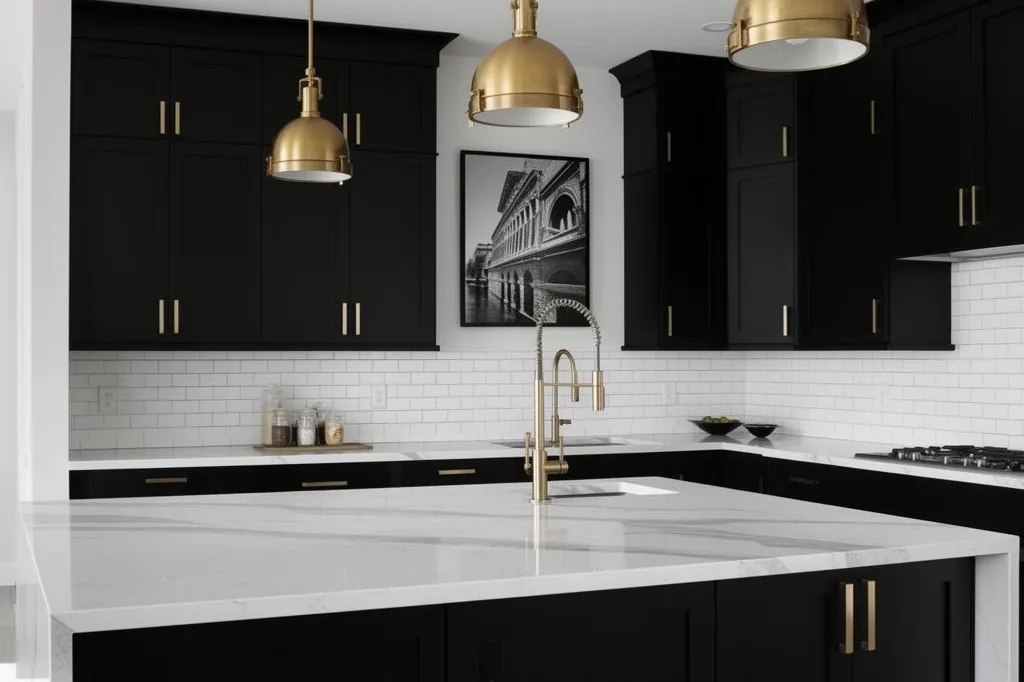
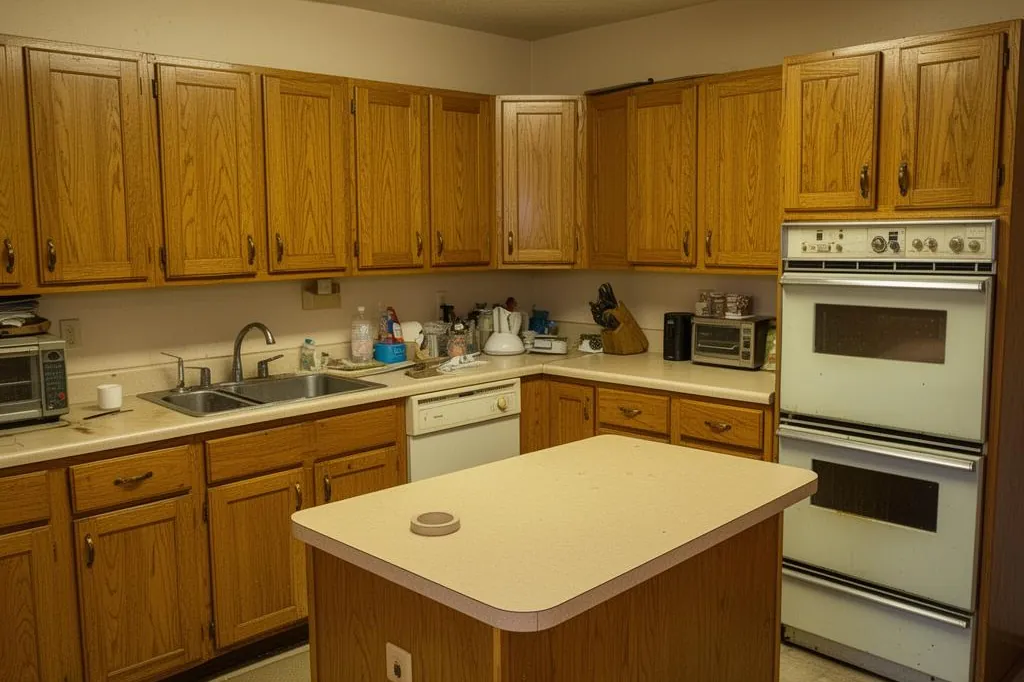
Cabinetry, counters, lighting and finishes replaced.
How contractors use it
- On the site visit
- Take a photo on your phone and show the client options before you leave, instead of describing them.
- Narrow it down together
- Try a different material, style or level of change in one tap until the client says that’s the one.
- Start the money conversation
- Open an estimated cost range for the design and use it to check the client’s budget early, then quote properly.
How it works
- 1Photograph the kitchen, bathroom, facade or room.
- 2Describe the job, or pick a style and how much should change.
- 3Show the client the options and save the one they choose.
Questions
- Is this a construction drawing?
- No. It is a picture of how the finished job could look. Measure, specify and price the work the way you always do.
- Can I describe the exact job?
- Yes. Write what you plan to build, such as shaker cabinets with a quartz worktop and a tiled splashback, and say what has to stay, like the window or the flooring.
- What does it cost?
- Your first 2 designs are free, with no account and no card. After that, plans and one-off credit packs are on the pricing page. A design that fails never uses a credit.
Also for: Real estate agents · Landscapers · Interior designers · Homeowners · All professionals · Pricing · Before and afters
See your own home, redesigned.
Upload one photo. Your first design is ready in about a minute.
Start my free design
2 free designs · No account · No credit card