For interior designers
Show the concept in their own room.
Turn a photo of the client’s room into two or three styled concepts in about a minute. Agree the direction early, then spend your time on the design itself.
Make a concept free
2 free designs · No account · No credit card
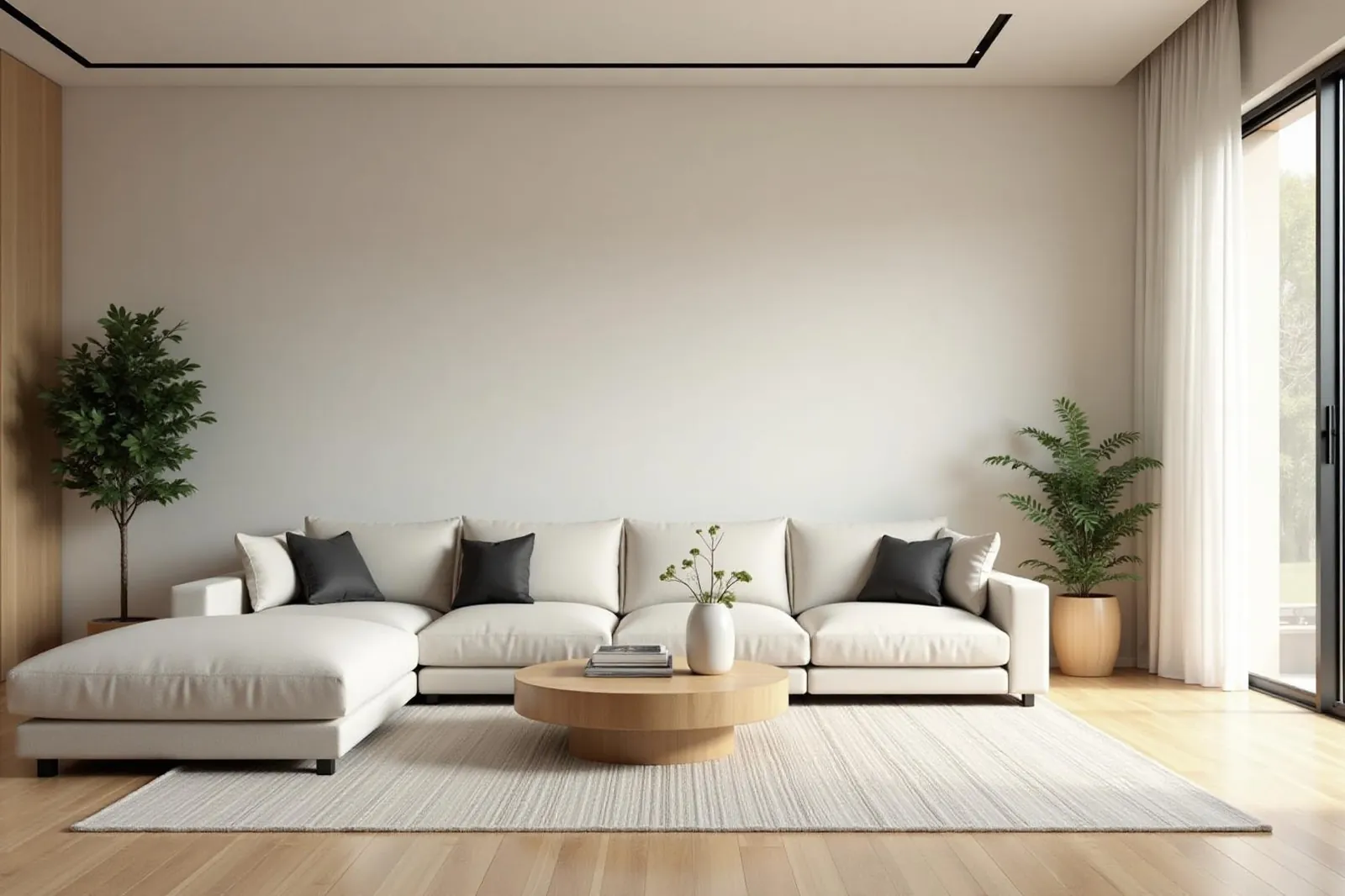
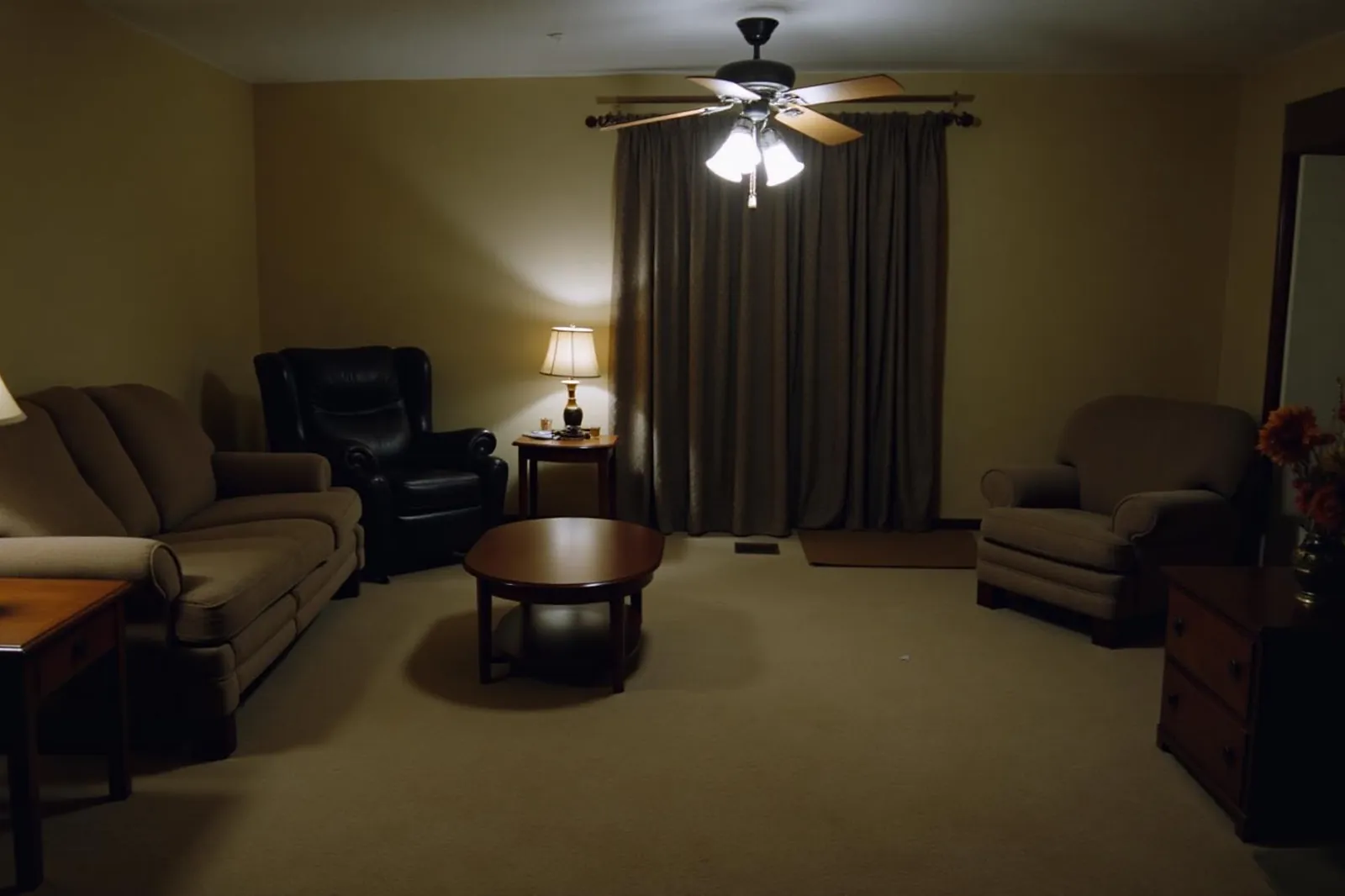
Openings and finishes rethought for a brighter room.
How interior designers use it
- First meeting
- Show the client a few directions on their own room, so you learn what they like before you build a mood board.
- Refine in plain words
- Ask for a green velvet sofa, warmer lighting or a darker floor, and see it on the same image.
- Blend styles
- Combine two styles, such as Japandi and Warm Minimalism, to match a client who sits between them.
How it works
- 1Photograph the room, or use the client’s own photo.
- 2Pick up to two styles and how much should change, or describe the brief.
- 3Refine the option the client likes and save it to your account.
Questions
- Are the furniture pieces real products?
- Not yet. The furniture is generated to suit the style, so use the image to agree a direction, then specify real pieces.
- Can I keep parts of the room as they are?
- Yes. Mark items to keep, like the fireplace or flooring, or paint over parts of the photo to lock them.
- What does it cost?
- Your first 2 designs are free, with no account and no card. After that, plans and one-off credit packs are on the pricing page. A design that fails never uses a credit.
Also for: Real estate agents · Contractors · Landscapers · Homeowners · All professionals · Pricing · Before and afters
See your own home, redesigned.
Upload one photo. Your first design is ready in about a minute.
Start my free design
2 free designs · No account · No credit card